
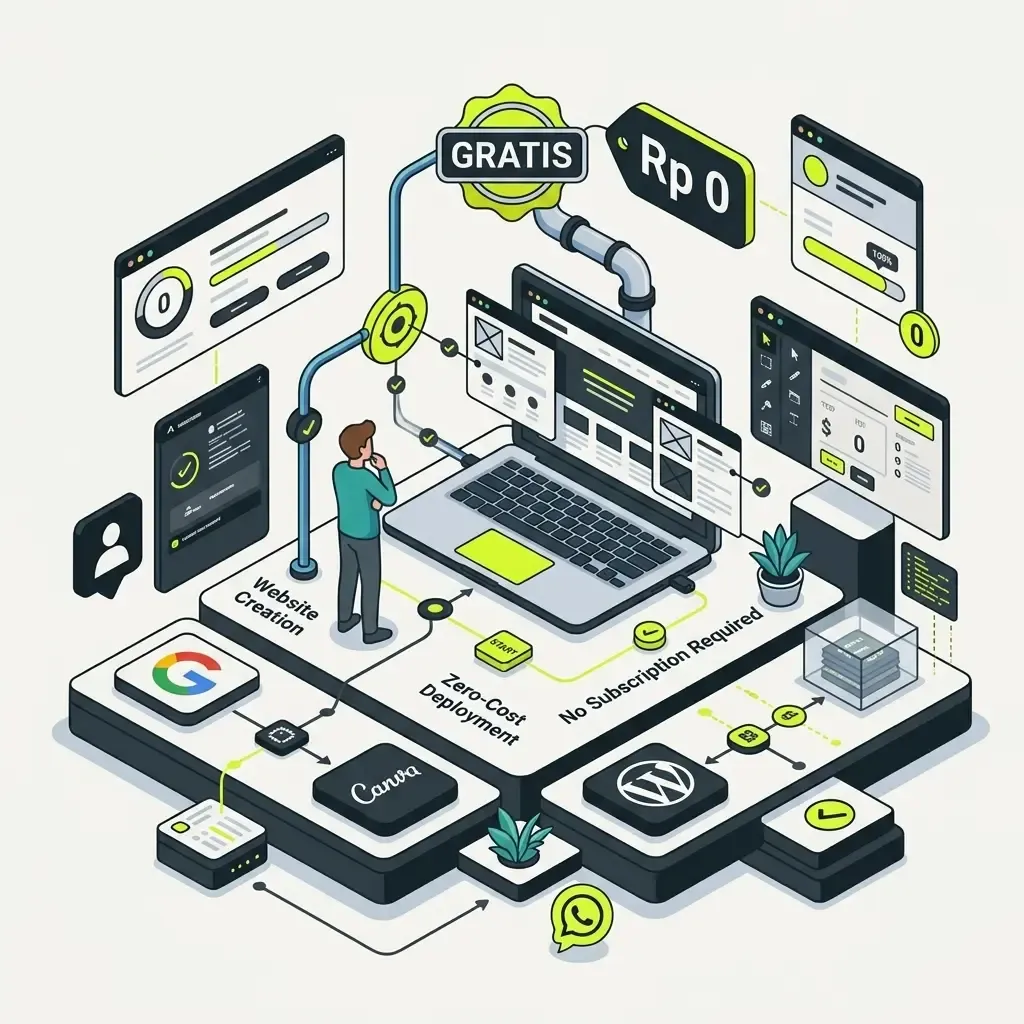
You don't need to spend any money to start having a website. There are a few ways to build a free website you can try today — great for testing an idea, a personal portfolio, or a business still in its early stage. If you want to build a free website with no hassle and not a cent spent, this guide will walk you from scratch to your website actually going live.
This article is part of our guide series — if you're also interested in understanding paid options and the fuller process, read our main how to build a website guide, which covers every method from scratch, including when it's worth moving on from the free version.
Table of Contents
- Why Start with a Free Website?
- Steps to Build a Free Website
- Free Platforms You Can Use
- Google Sites
- Canva
- WordPress.com (Free Version)
- How to Build a Free Website from Your Phone
- Tips to Get the Most Out of Your Free Website
- SEO Basics for a Free Website
- Limitations of a Free Website You Should Know
- When It's Time to Upgrade from a Free Website
- Real Examples: Who's a Good Fit for a Free Website?
- Common Mistakes When Building a Free Website
- Frequently Asked Questions (FAQ)
- Conclusion
Why Start with a Free Website?
Before getting into the technical steps, it's worth understanding when a free website is the right choice:
- Validating an idea — before investing further, you can test whether your business idea or content resonates.
- Learning before going all in — understanding how websites work with no financial risk.
- A portfolio or online CV — personal needs usually don't require complex features.
- A business that's just starting out — with a limited budget, a free website helps you still have an online presence.
That said, it's worth remembering a free website has its own limitations, which we'll cover further down.
Steps to Build a Free Website
Here's the complete process for building a free website from start to live:
- Choose a free platform — Google Sites, the free version of WordPress.com, or Canva Websites are the most beginner-friendly options
- Sign up for an account using your email
- Choose a template that fits your needs (portfolio, blog, small business)
- Replace the template's text and images with your own content
- Build the navigation menu — usually 3-5 pages is enough for basic needs
- Click publish — your website goes live immediately at the platform's default subdomain address
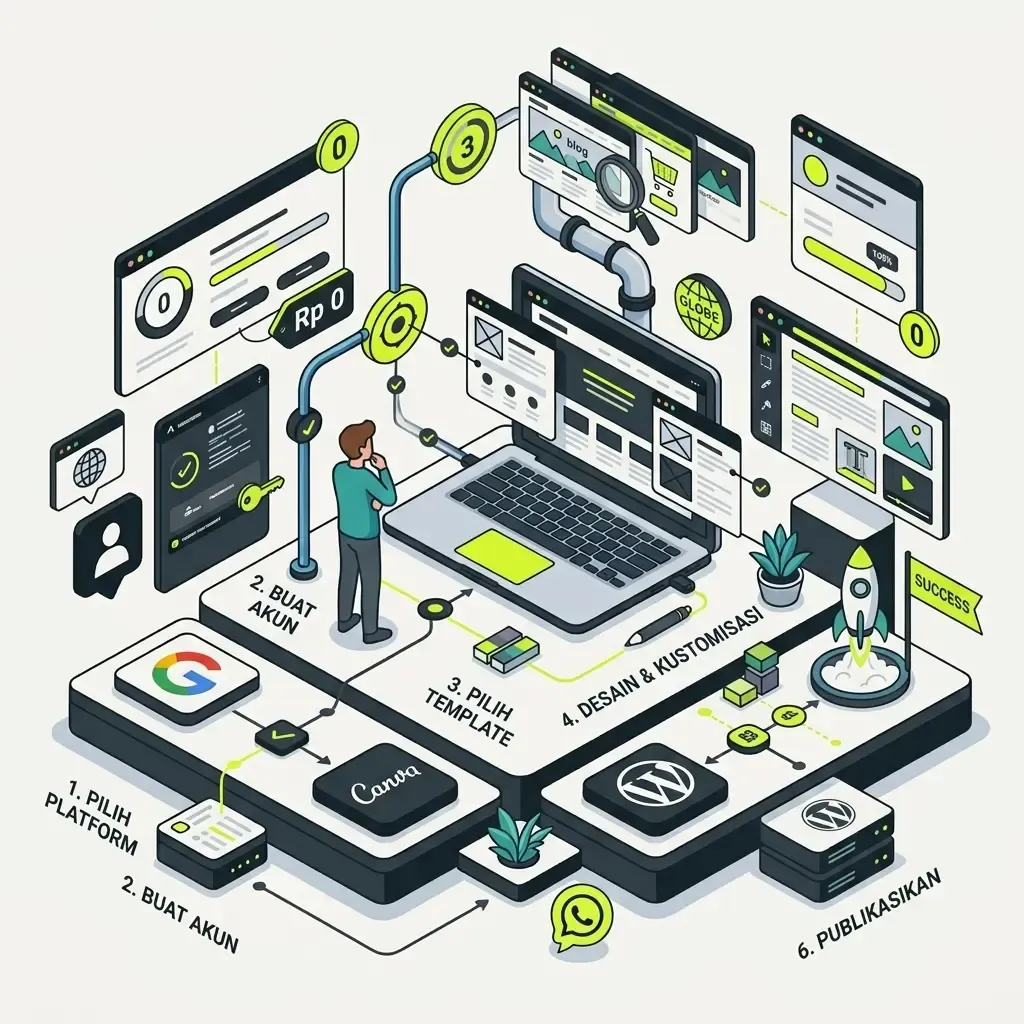
The process is far simpler than most people imagine. On average, steps 1 through 6 above can be finished in under an hour for a basic website with a few pages.
Free Platforms You Can Use
There are a few popular platforms you can use to build a free website. Each has different characteristics.
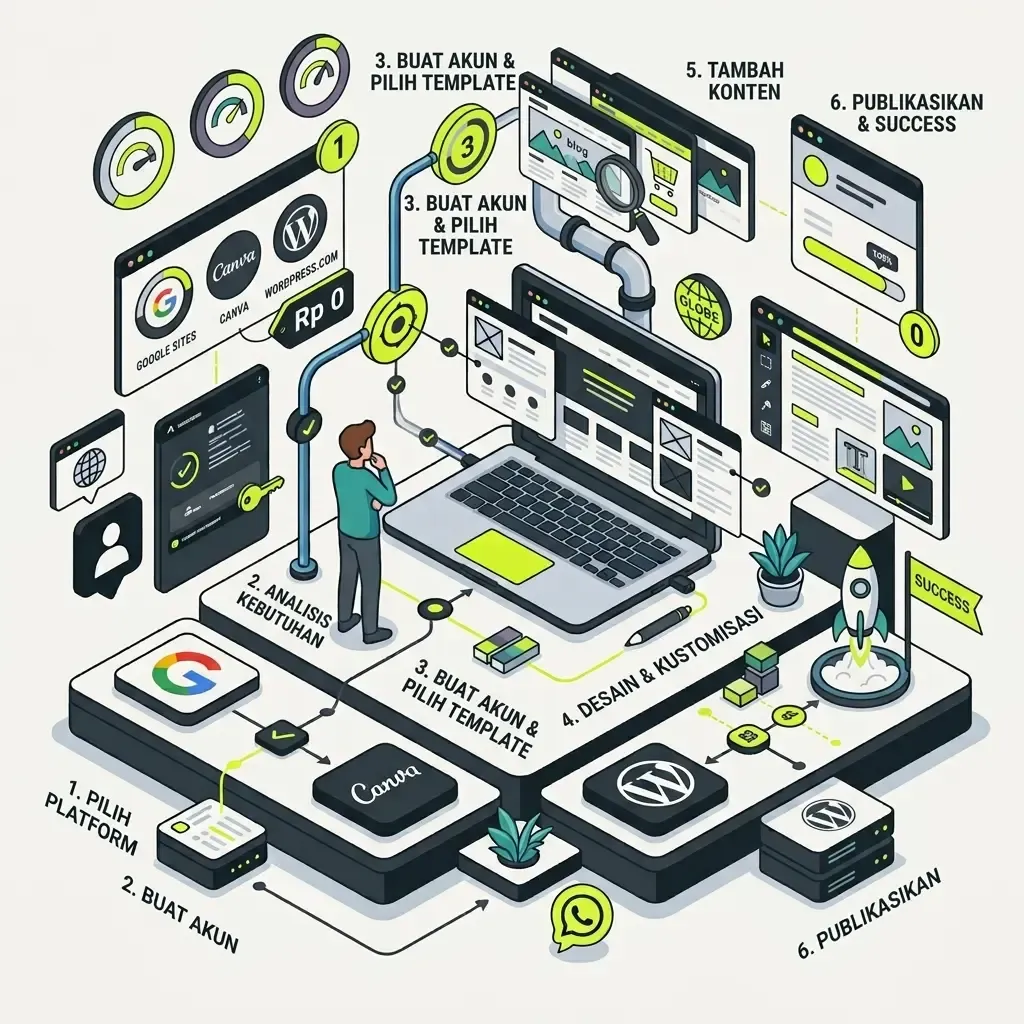
Google Sites
Very easy to use, integrated with your Google account. Great for simple websites like portfolios, event pages, or a short profile. Because it's directly connected to Google Drive and Google Workspace, this platform is also a good fit if you want to build a free website on Google without signing up for a new account at all — just use the Google account you already have. Read the detailed guide at how to build a website on Google Sites.
Canva
Beyond graphic design, Canva also has a feature for building simple websites with drag-and-drop. A great fit if you're already used to Canva for other design needs, since the interface feels familiar and the result can feel like a free website built instantly in a matter of minutes thanks to thousands of ready-made templates. Details are in our how to build a website on Canva.
WordPress.com (Free Version)
Great for a blog or informational website, with the option to upgrade to fuller features later if needed. Unlike self-hosted WordPress, which needs separate hosting, this free version goes live immediately with no extra technical setup — a good fit for beginners not yet familiar with terms like domain and hosting.
How to Build a Free Website from Your Phone
One question that comes up a lot: can you build a website without a laptop? The answer is yes. Here are tips for building a free website from your phone:
- Use your phone's browser (Chrome or Safari) to access platforms like Google Sites or Canva — most are already optimized for small screens
- Some platforms like Canva have a dedicated app that's more comfortable to use on a phone than the browser version
- Prepare photos and text in your phone's gallery or notes beforehand so uploading is faster
- Use desktop mode in the browser (if available) for platforms whose mobile view is still limited
- Once you're done on your phone, it's worth double-checking the look on a laptop or tablet before final publishing, to make sure the layout isn't messed up
Building a website from a phone is a bit more limited than a laptop — especially for detailed settings like rearranging elements or inserting custom code — but for a simple website, it's entirely doable.
Tips to Get the Most Out of Your Free Website
Just because it's free doesn't mean the result has to look sloppy. Here are a few tips to keep your free website looking clean and professional:
- Choose a template that fits the content, not just because it looks appealing — match it to the website's purpose
- Be consistent with colors and fonts across every page
- Use quality images — avoid blurry or low-resolution photos
- Write clear, concise content — visitors don't like reading long paragraphs with no breaks
- Check the mobile view before publishing, since most visitors access it via smartphone
- Fill in all contact information completely so visitors can easily reach you
SEO Basics for a Free Website
Many people assume a free website can't be optimized for search engines — but a few basic steps can still be applied:
- Use a clear page title relevant to the content
- Write an engaging short description on each page, if the platform offers that option
- Make sure the heading structure is clean (main title, subheadings, etc)
- Use descriptive image file names, not just "IMG_1234.jpg"
- Update content regularly so search engines see your website as active
That said, it's worth knowing that a website on a platform's default subdomain generally has a harder time competing in search results than a website with its own domain — this is covered further in the FAQ section.
Limitations of a Free Website You Should Know
Before fully committing, get to know the common limitations of a free website:
- The website address usually still uses the platform's subdomain (for example
yourname.wordpress.com), not your own domain - Design and feature options are more limited than the paid version
- Some platforms display their own ads on your website
- Storage and traffic capacity is usually capped
- Technical support is generally more limited than paid plans
- Hard to add custom features like a booking system or complex payment integration
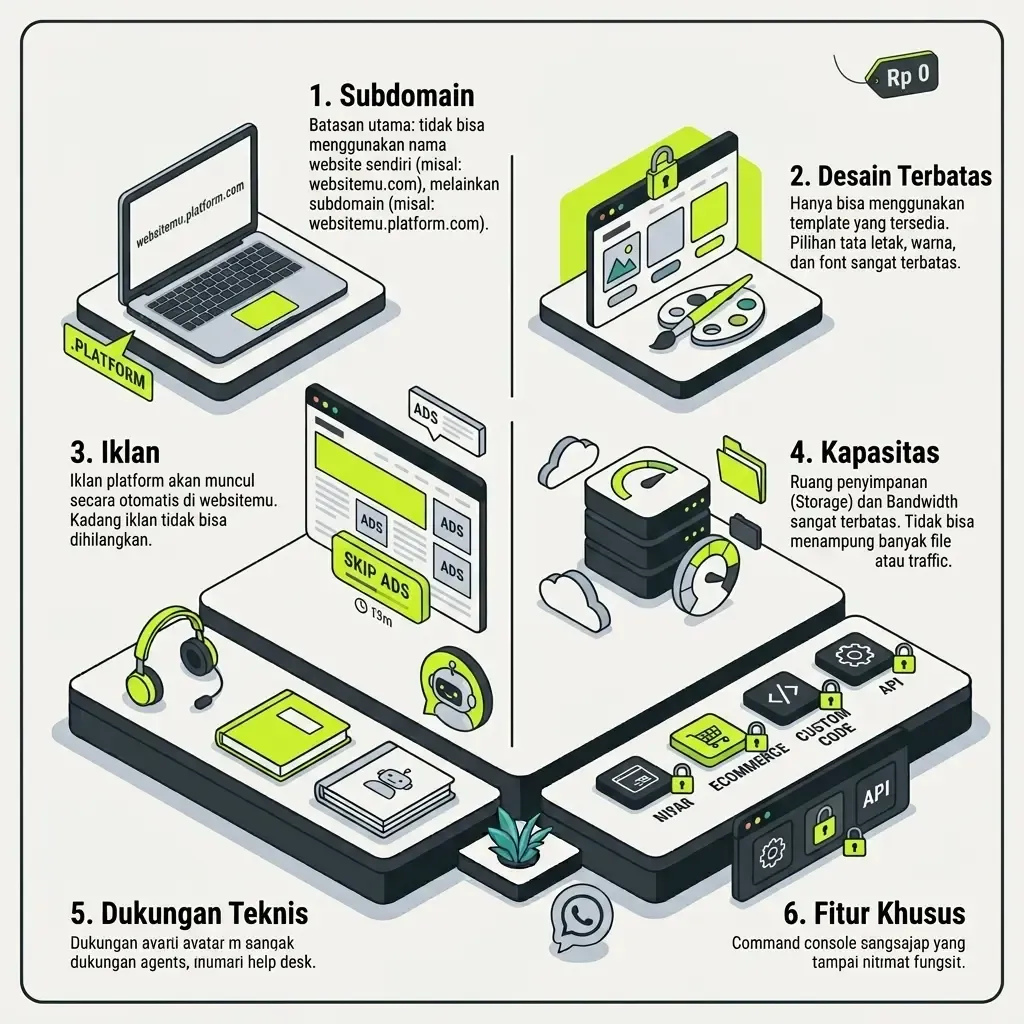
These limitations don't mean a free website is bad — it just matters to be realistic about what the free version can and can't do, especially if your goal is building long-term business trust.
When It's Time to Upgrade from a Free Website
A free website is a great fit for validating an idea or personal needs. But once you're serious about running a business and need a professional impression — your own domain, no platform ads, fuller features — consider upgrading to a paid domain or even a website development service that can tailor to your business's specific needs.
A few signs it's time to upgrade:
- You're starting to get customers or clients who look up information through your website
- The free platform's ads are starting to hurt the visitor experience
- You need features like an online store, a booking system, or payment integration
- The website will become your main channel for acquiring new customers
For more specific needs, you can consider an option that fits your type of business — for example our online store website development service if you're planning to sell directly through your website, or our company profile website development service if the goal is building business credibility. For small business owners on a limited budget, there's also a website development service for small businesses and affordable website development service, more affordable than a fully custom project.
If your website will need more complex features down the road — custom systems, API integrations, or high performance — it's worth first understanding what web development is so you know the difference between just "making it look nice" and actually "building the system" behind it. To estimate the budget you'll need, also read the cost of building a business website in Indonesia, and once you're ready to bring in a professional team, first learn how to choose a professional website development service so the outcome matches your expectations.
A free website is a great starting point to try things out — but don't let its limitations be an excuse to delay taking your online business seriously once you're confident about your business direction.
Real Examples: Who's a Good Fit for a Free Website?
To make it clearer, here are a few real-world situations where a free website is the right choice:
A student or fresh graduate who needs an online portfolio. Just use Google Sites to showcase a CV, class projects, and a LinkedIn link — all of it can be done in one afternoon at zero cost.
A content creator just starting to build a personal brand. A simple website with a bio, a content list, and contact info can be built through Canva, then the link placed in an Instagram or TikTok bio.
A home-business owner still testing the market. Before investing in a paid domain and hosting, a free WordPress.com website can be used first to see if there's interest from potential customers, before seriously developing the brand.
A small community or organization. For needs like announcing event schedules, organizer contacts, or activity documentation, a free website is usually more than enough without needing complex features.
In every example above, the common thread is the same: needs that are still simple, a limited budget, and no urgency yet to appear with your own domain. Once any of these three factors changes — needs get more complex, there's budget to invest, or business urgency appears — that's the sign it's time to consider a paid option.
Common Mistakes When Building a Free Website
To keep your free website looking its best, avoid these mistakes:
- Too many decorative elements that make the page feel heavy and slow to load
- Not checking the mobile view even though most visitors access it via phone
- Leaving placeholder content from the template not fully replaced
- Forgetting to include contact information that's clear and easy to find
- Delaying an upgrade too long even after the business has grown and needs more features
Frequently Asked Questions (FAQ)
Does a free website show up in Google search? It can, but it's usually harder to compete in search rankings compared to a website with its own domain and more mature SEO structure.
How long can a free website be used? As long as your account is active, there's generally no time limit — but always read the policy of the platform you choose.
Can a free website be switched to paid later? Yes, most platforms offer an upgrade option without having to rebuild from scratch.
Can you build a free website from a phone? Yes — most modern website builder platforms already support building and editing through a phone browser.
Is a free website safe to use for a small business? Safe for the early stage, especially for validating an idea. But for a business that's already running and collecting customer data (for example through an order form), consider upgrading to a paid platform with better security and support.
What's the difference between a free subdomain and your own domain? A free subdomain (like yourname.wordpress.com) is attached to the platform's name, while your own domain (like yourbusiness.com) is entirely yours and looks more professional and is easier for visitors to remember.
Conclusion
Building a free website is the friendliest way to start your online presence — whether it's a personal portfolio, a blog, or a business still in the validation stage. With platforms like Google Sites, Canva, or WordPress.com, you can have a live website in a matter of hours, even straight from your phone.
But it's important to understand its limitations from the start: a default subdomain, limited features, and capped capacity. Once your business gets serious and needs a more professional impression, consider upgrading to your own domain or bringing in a professional service that can tailor to your specific needs. Most importantly, start with the free version — refine it later as your business grows.



Comments
Got a question or feedback? Leave a comment!