
Building a website to sell online is now far easier than it was a few years ago — you don't need to be a coding expert to have a fully functional online store, from product catalog to payment system. If you're looking for how to build a website for selling online from scratch to ready-to-take-orders, this guide walks through it step by step.
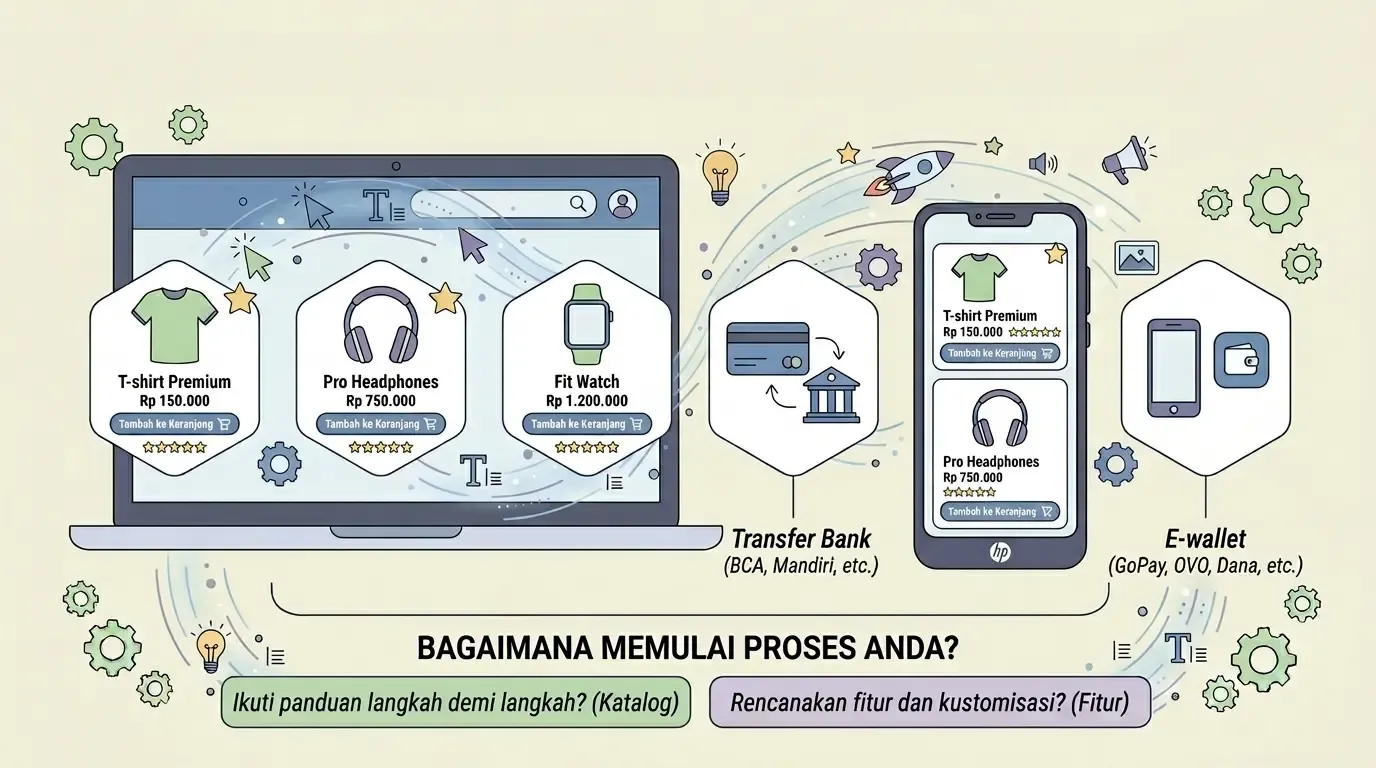
This guide focuses specifically on the online-selling side. If you want a general overview of all the ways to build a website first, read our main how to build a website guide as a roadmap before diving into the details of the online store.
Table of Contents
- How to Build a Website for Selling Online: A Quick Overview
- Steps to Build a Website for Selling Online
- Must-Have Elements on a Selling Website
- Platforms You Can Use
- The Self-Hosted Path
- The Professional Service Path
- Common Mistakes That Keep Happening
- When You Need Help Setting Up a Selling Website
- Frequently Asked Questions
- Conclusion
How to Build a Website for Selling Online: A Quick Overview
In short, how to build a website for selling online — from choosing a platform, setting up a product catalog, to enabling a payment system — can be broken down into a few major stages: picking the right platform, building a convincing catalog, setting up payment and shipping, then thoroughly testing before launching to the public. Each stage is covered in detail below.
Steps to Build a Website for Selling Online
Here's the complete process for how to build a selling website from start to ready-to-promote:
- Choose a platform that supports e-commerce features (WordPress + WooCommerce, or a dedicated online store platform)
- Prepare product photos that are clear and consistent (uniform lighting and background help a lot)
- Organize product categories logically — don't create too many categories for a small number of products
- Enable payment methods — at minimum bank transfer and popular e-wallets
- Set up shipping options and shipping cost calculation
- Test the purchase flow from start to finish before launching to the public
- Publish and start promoting via social media or ads
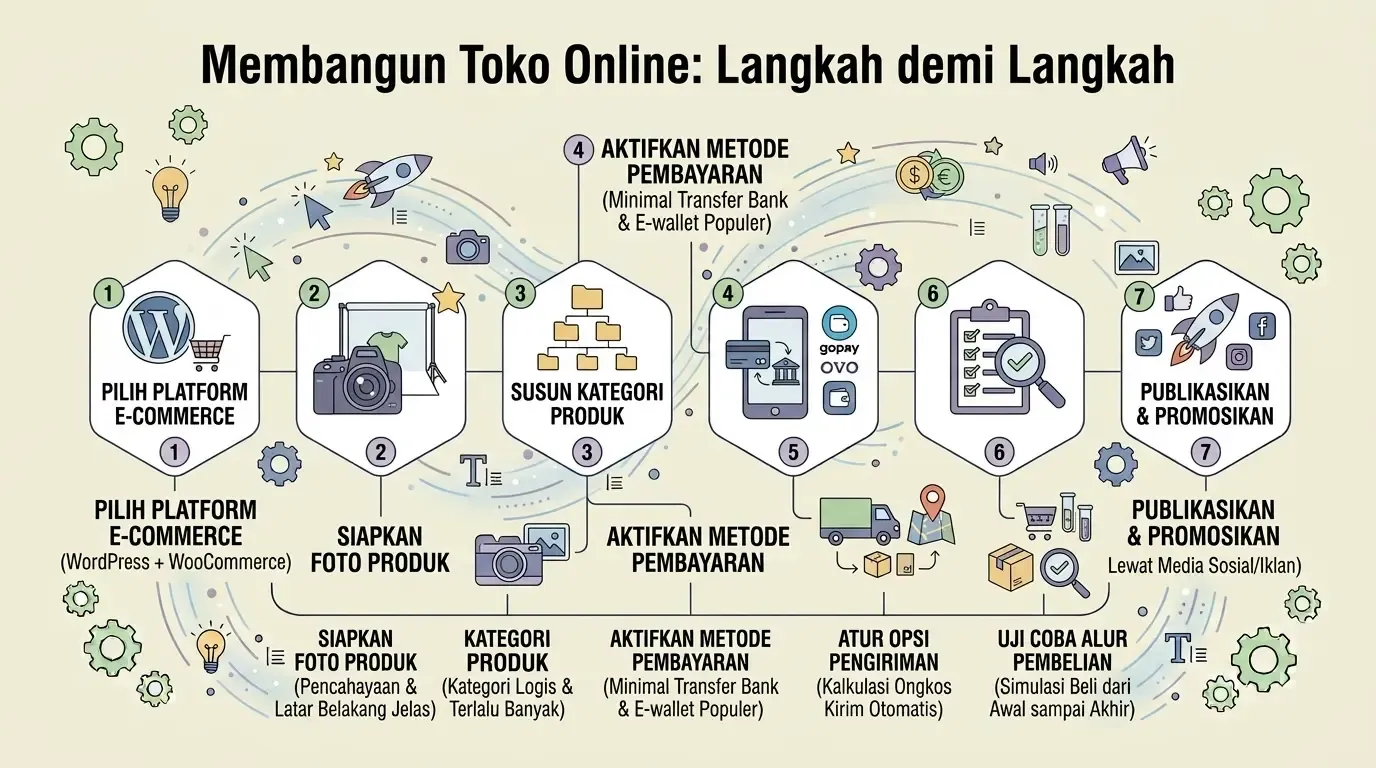
These seven steps are the core of how to build an online store website that's fully functional — not just good-looking, but actually able to process transactions start to finish.
Must-Have Elements on a Selling Website
Beyond the technical functionality, a few content elements determine whether visitors actually buy or just leave the page:
- Clear product descriptions — not just the name, but specs and benefits too
- Transparent pricing, with no hidden fees that only appear at checkout
- A "Buy" or "Add to Cart" button that's easy to find
- Customer testimonials or reviews to build trust
- Clear contact information for pre-purchase questions
These five elements are often overlooked by beginners who focus too much on visual appearance, even though they're what actually drives a customer's buying decision.
Platforms You Can Use
There are two main paths to building an online-selling website: handling it yourself (self-hosted) or getting professional help.
The Self-Hosted Path
If you choose the self-hosted path, WordPress with the WooCommerce plugin is the most popular combination — read the basics first in our how to build a website with WordPress guide before adding e-commerce features on top. This path gives you full control, but also requires you to handle hosting, security, and system updates yourself on an ongoing basis.
The Professional Service Path
For a full overview of professional service options that handle your online store from the ground up — including catalog setup, payment integration, and brand-matched design — read our online store website development service guide. This path is a good fit if you want to focus on products and sales rather than the technical side of the website.
A successful selling website isn't the one with the most features, but the one that makes it easiest for buyers to find products and complete a purchase without friction.
Common Mistakes That Keep Happening
Avoid these mistakes, which most often keep an online-selling website from converting visitors into buyers:
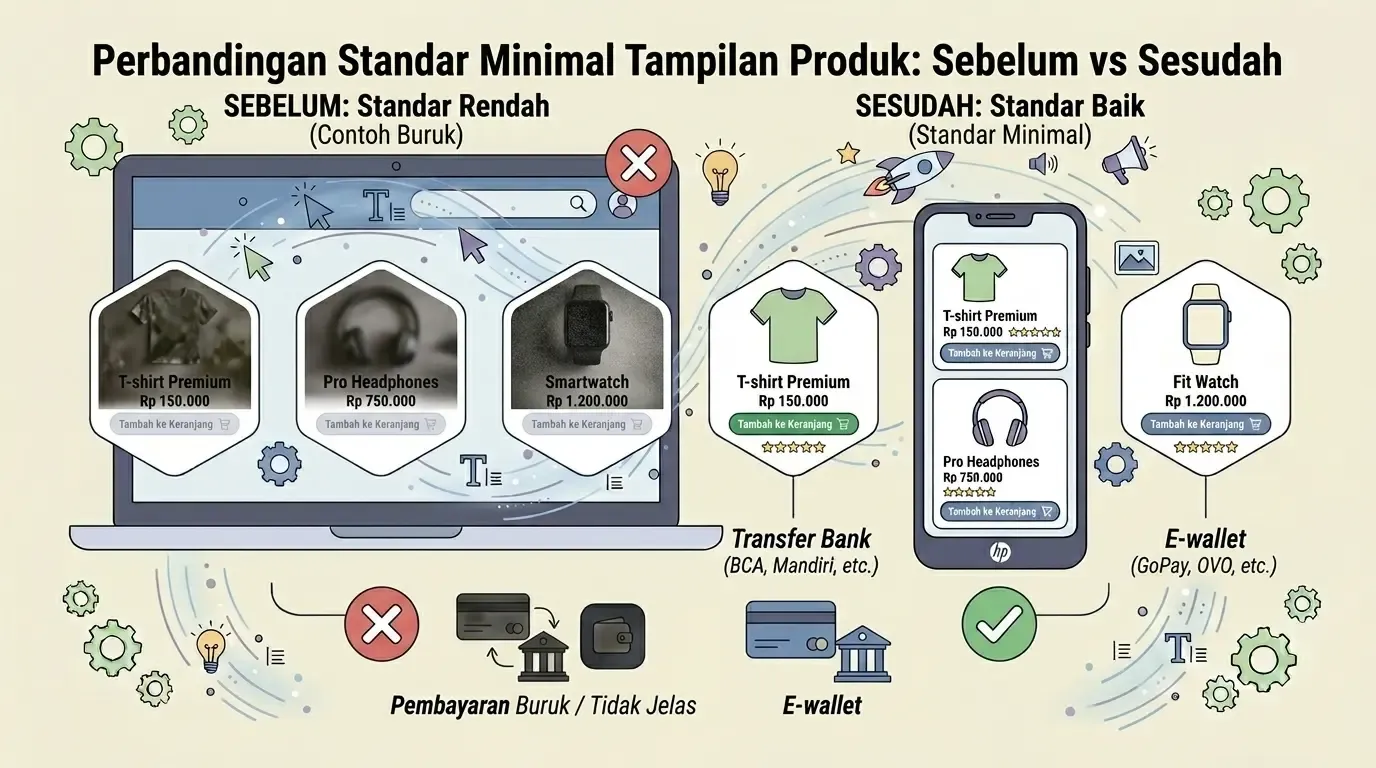
- Dark or blurry product photos that come across as unconvincing
- A checkout process with too many steps, causing buyers to abandon it
- No clear contact information for pre-purchase questions
When You Need Help Setting Up a Selling Website
Handling an online-selling website on your own — from the platform, to product photos, to payment integration — can take far longer than expected, especially if you also have to run day-to-day business operations.
A few options worth considering depending on your needs:
- For an online store with a complete setup from scratch — online store website development service
- For small businesses on a limited budget — website development service for small businesses or affordable website development service
- If you need custom features beyond what standard plugins can do (ERP integration, customer loyalty systems, etc.) — first understand what web development is to get a sense of the custom system that needs to be built
- To estimate your budget before deciding — read the cost of building a business website in Indonesia
- Before choosing a vendor — learn how to choose a professional website development service so the end result matches your expectations
If you don't have time to handle everything yourself, considering professional help for the initial setup can save a lot of time — our team is ready to help through our online store website development service.
Frequently Asked Questions
Do you need a paid domain to sell online? Strongly recommended — your own domain (not a free subdomain) makes a more trustworthy impression on prospective buyers.
What's the minimum number of products before it's worth having your own selling website? There's no minimum — you can start with just a handful of products, as long as the descriptions and photos are clear.
Can it connect with social media? Yes, most modern e-commerce platforms support catalog integration with Instagram or Facebook Shop.
What if I don't have time to handle everything myself? Considering professional help for the initial setup can save a lot of time — check out our online store website development service for help from start to a store that's ready to sell.
Does an online-selling website need special SEO? Ideally yes — unique, well-structured product descriptions help your products get found through Google search, in addition to paid ads or social media.
Conclusion
Building an online-selling website no longer requires a dedicated IT team or a big upfront budget. With the right platform — whether self-hosted via WordPress + WooCommerce, or with professional help — you can have a fully functional online store up in far less time than you'd expect.
What determines success isn't how sophisticated the features are, but how easily buyers can find products, understand the details, and complete a purchase without friction. Start with solid basics — clear photos, transparent pricing, a simple checkout process — then build out more features as your business grows.



Comments
Got a question or feedback? Leave a comment!