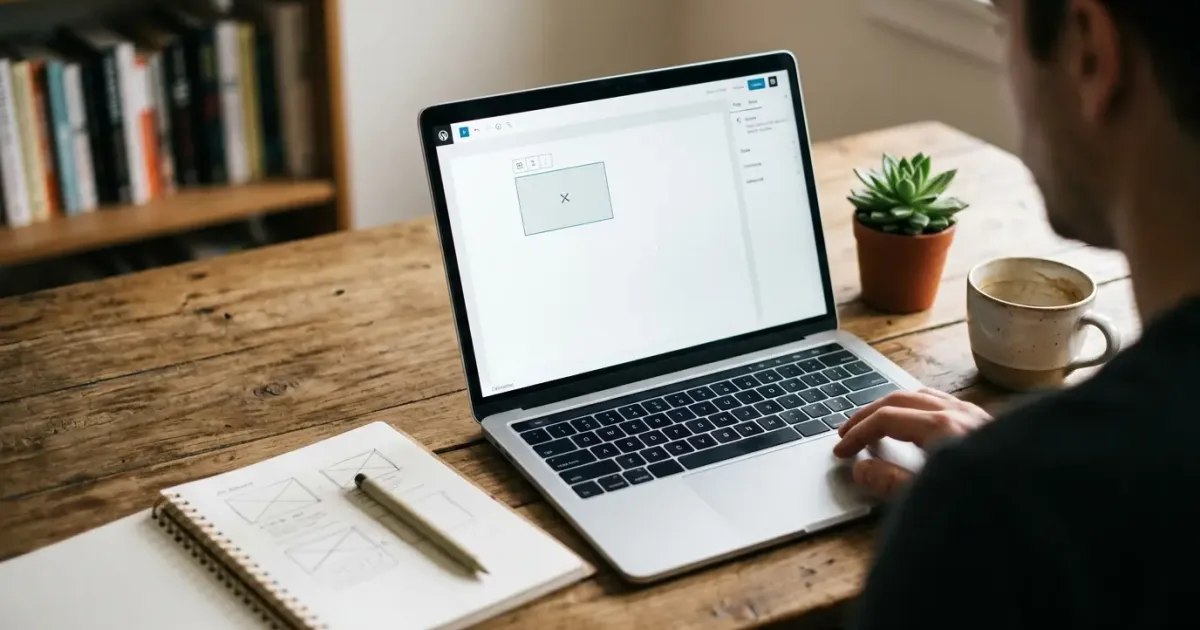
Many people assume building your own website requires years of coding skill. In reality, with the right tools, even a beginner can have a functional website in a matter of hours — not months. If you're looking for how to build a website for beginners truly from scratch with no technical background, this guide is written specifically for you.
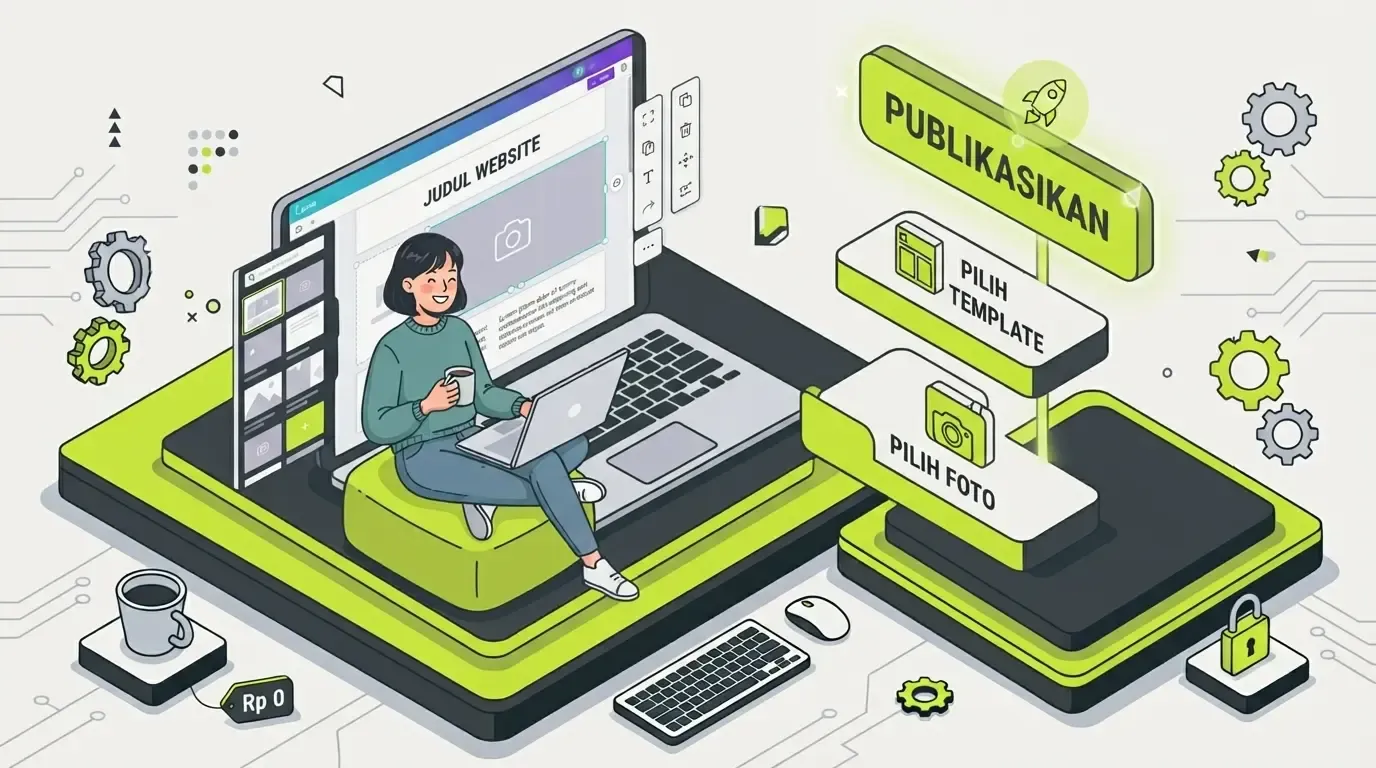
This article is part of our complete guide series — if you want a full overview of every available method, read our main how to build a website guide as a roadmap before diving into this beginner-focused version.
Table of Contents
- Myths That Need Correcting First
- Steps for Beginners
- Platforms Suited for Complete Beginners
- If You Want the Simplest Option
- If You Want More Design Options
- If You Don't Have Any Budget Yet
- Common Beginner Mistakes to Avoid
- Preparation Before You Start
- When You Should Ask Someone Else for Help
- Frequently Asked Questions
- Conclusion
Myths That Need Correcting First
Before starting, it's important to clear up a few misconceptions that often make people put off building their own website:
- "You have to know how to code" — not true, modern website builders are designed to need zero code
- "It needs a big budget" — you can start free, then upgrade only if you actually need to
- "The process is complicated" — most platforms now use an intuitive drag-and-drop system
These three myths are the main reason many people assume building a website without coding is impossible, when actually the opposite is true — this is the most common way people build websites today.
Steps for Beginners
Here's how to build a website from scratch to live that you can follow right away:
- Decide the website's purpose — portfolio, blog, or a small business profile
- Choose a platform that fits your needs (see recommendations below)
- Choose a template closest to the result you want
- Replace the template content with your own photos and text
- Check the mobile view before publishing
- Publish and share the link
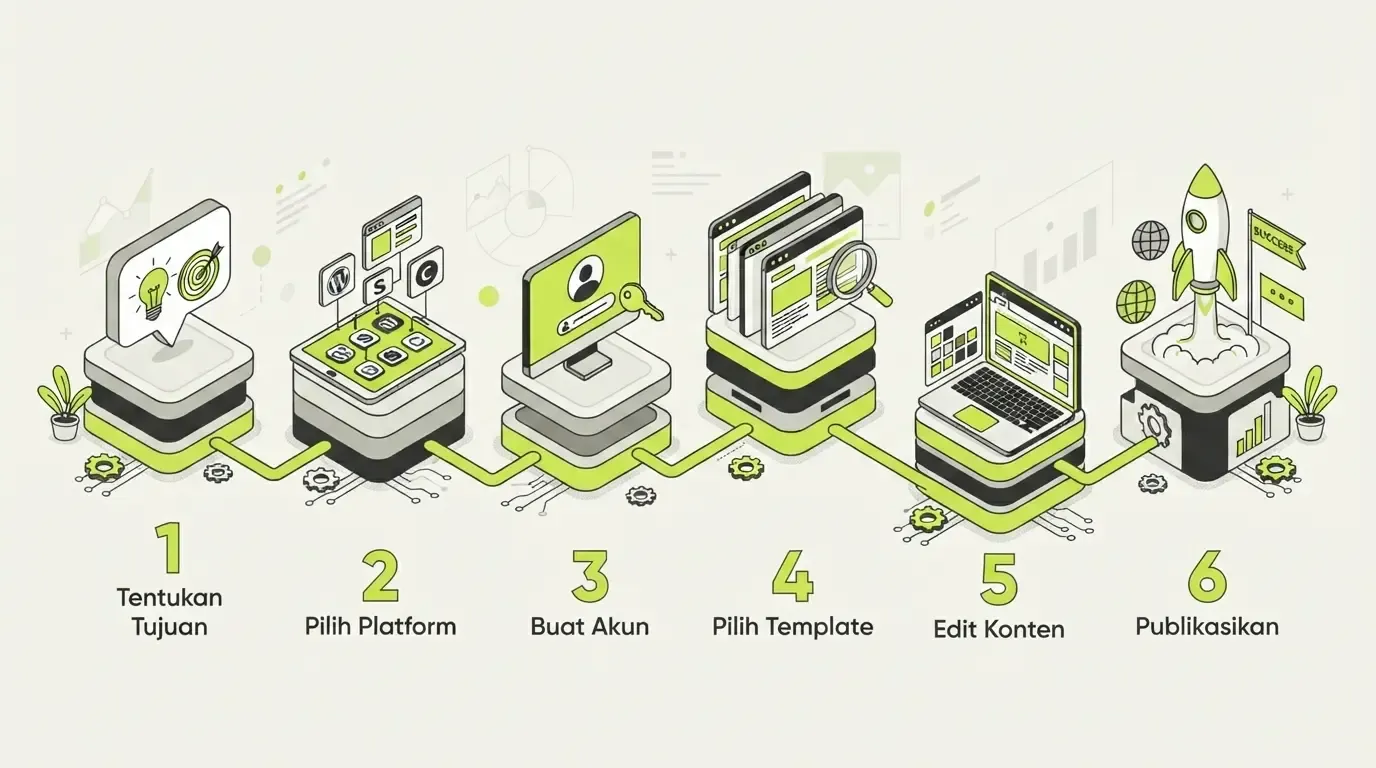
These six steps are the core of building a website quickly — there's no hidden step or technical complexity to worry about. On average, this whole process can be finished in a single focused work session.
Platforms Suited for Complete Beginners
Your choice of platform makes a big difference in how fast and easy the process is. Here are two main recommendations depending on your needs.
If You Want the Simplest Option
Google Sites is the friendliest option for true beginners — its interface is minimal and directly connected to your Google account. You don't need to sign up for a new account, and hosting is already included for free with no extra conditions. The full guide is at how to build a website on Google Sites.
If you prefer a visual approach with lots of ready-made templates, Canva can also be an equally easy alternative — read the guide at how to build a website on Canva.
If You Want More Design Options
WordPress has a slightly steeper learning curve but offers far more long-term flexibility — especially if you're planning to grow this website into an active blog or a growing business. This is the better path once you're thinking about long-term growth, not just an immediate need.
If You Don't Have Any Budget Yet
If you genuinely aren't ready to spend a cent right now, the entire process above can still be done for free. Read our dedicated how to build a free website guide, which covers in more detail which platforms you can use at no cost, including the limitations you should know about upfront.
Common Beginner Mistakes to Avoid
To make your process go more smoothly, avoid these mistakes beginners make most often:
- Spending too long choosing a template and losing focus on the content
- Adding too many pages/menus early on, making the structure confusing
- Forgetting to check the mobile view before publishing
- Not setting up a way for visitors to reach you (WhatsApp number, email, contact form)
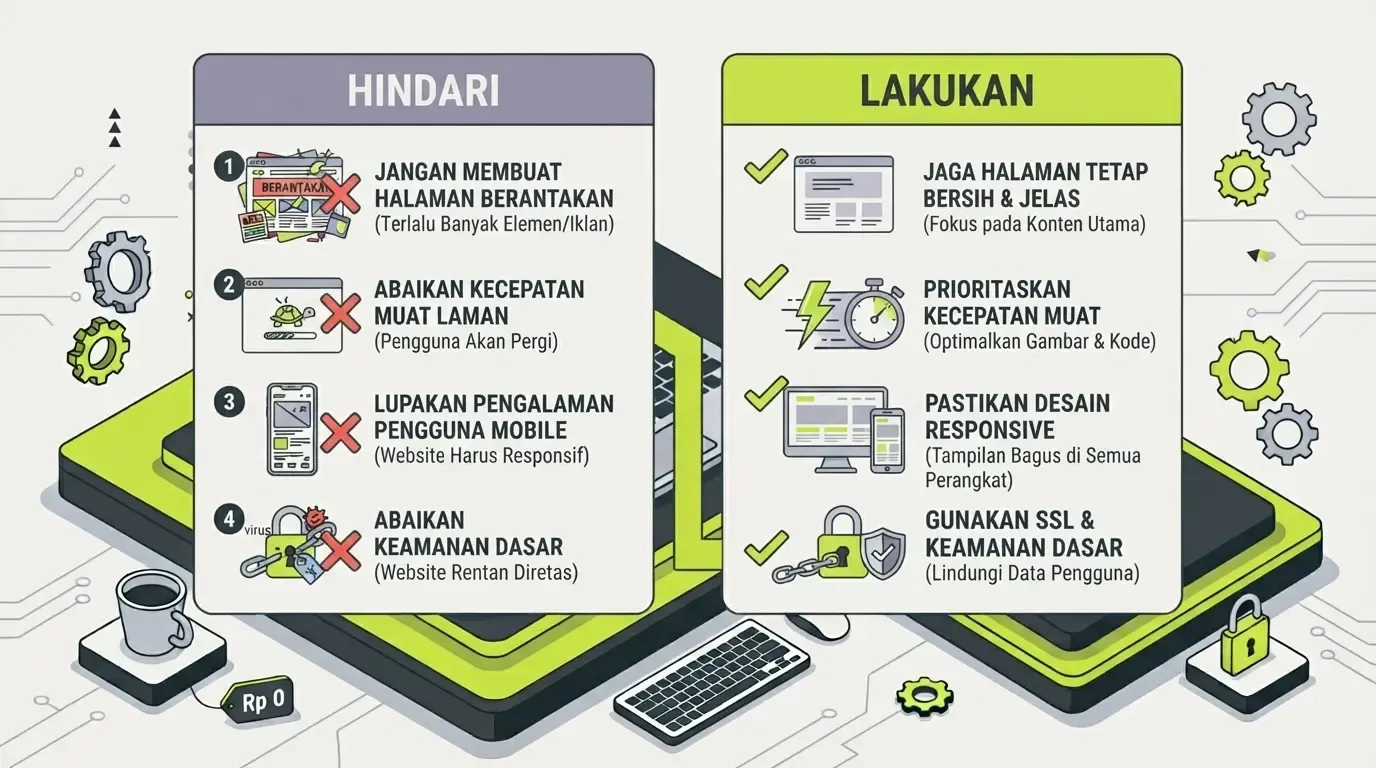
Your first website doesn't need to be perfect — the important thing is that it's live and people can start seeing it. Refinement can come later once you know what's actually needed.
Preparation Before You Start
To speed up the process, prepare the following before opening your chosen platform:
- A name or brand to use on the website
- A logo if you already have one (if not, many templates still look good with just a name in text)
- Photos relevant to the website's purpose — avoid blurry or low-resolution photos
- A short piece of text about yourself or your business, just 2-3 paragraphs is enough for an "About" page
- A way to be contacted — a WhatsApp number, email, or an active social media account
Preparing all of this beforehand speeds things up a lot, since you won't need to go back and forth looking for material while you're building the pages.
When You Should Ask Someone Else for Help
If after trying it you feel the result isn't professional enough for your business needs, or you need features beyond what a free builder can do, considering a website development service isn't a sign of failure — it's a reasonable business decision once the stakes get higher.
A few options worth considering depending on your needs:
- For small businesses on a limited budget — website development service for small businesses or affordable website development service
- For online selling needs — online store website development service
- To build more serious business credibility — company profile website development service
- If your needs already touch on complex technical features — first understand what web development is so you know the difference between mere appearance and a system that needs to be custom-built
- To estimate your budget before deciding — read the cost of building a business website in Indonesia
- Before choosing a vendor — learn how to choose a professional website development service so the outcome matches your expectations
Frequently Asked Questions
How long does it take a beginner to build their first website? For a simple website with a drag-and-drop platform, it can usually be finished in 2-4 hours of focused work.
Do I need to learn graphic design first? No — the templates a platform provides are usually already well-designed, you just need to adjust the content.
What should I prepare before starting? Prepare first: a name/brand, a logo (if you have one), relevant photos, and a short piece of text about yourself/your business.
Can a self-built website look professional? Yes, especially if you choose a clean template and stay consistent with colors and fonts — it doesn't have to be complicated to look professional.
Which platform is best for a complete beginner with zero experience? Google Sites or Canva are the friendliest starting points because their interfaces are the simplest. Once you're comfortable and need more flexibility, WordPress can be the next step.
Conclusion
Building your own website as a beginner is far easier than most people imagine. You don't need to know how to code, don't need a big upfront budget, and don't need a complicated process — just decide on a goal, choose a fitting platform, and start putting together your own content.
Most importantly, don't wait until it's "perfect" to start publishing. Your first website is a starting point, not a final product — it can keep being refined over time, or upgraded with professional help once your needs grow further.



Comments
Got a question or feedback? Leave a comment!